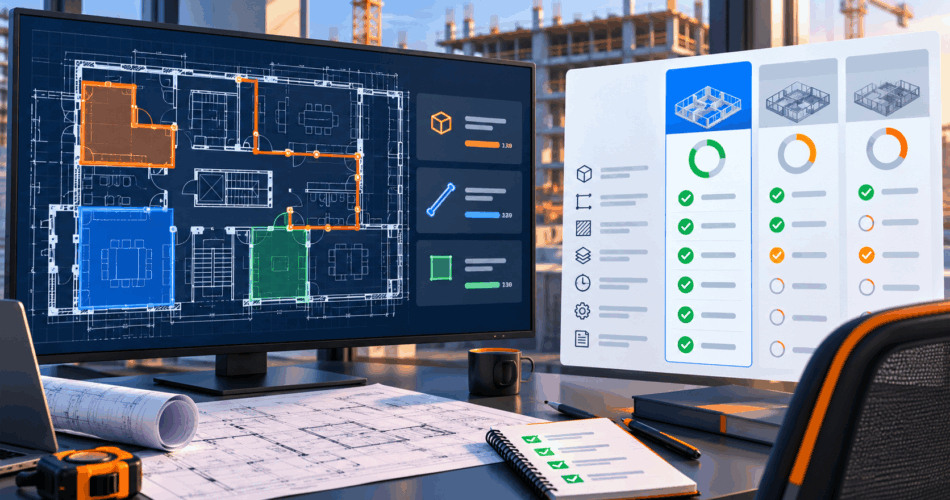
An AI takeoff software demo should prove how the system performs on your drawings, not how well it performs on the vendor’s prepared sample. Buyers should test drawing intake, supported quantities, scale calibration, missed-item review, estimator corrections, revisions, exports, security and time to approved output before making a decision.
This checklist helps estimators, preconstruction leaders, contractors and technology teams run a structured evaluation. It is designed to produce a supported decision: adopt the product, run a limited pilot, define custom requirements or reject the fit.
What should you bring to an AI takeoff demo?
Bring enough information to recreate a real estimating decision:
- A representative PDF plan set
- The applicable legends, schedules and risers
- A project your team has already taken off manually
- The drawing revision used for that takeoff
- Required quantity categories
- Current output spreadsheet or takeoff format
- Description of who reviews and approves quantities
- Target estimating or business systems
- Security and data-retention requirements
Avoid selecting only a clean, simple sheet. Include the conditions that create work for your estimators: custom symbols, dense layouts, multiple scales, revisions and cross-sheet dependencies.
DreamzTech can run a guided AI takeoff software demo on your drawings and help separate product fit, configuration needs and custom-development requirements.
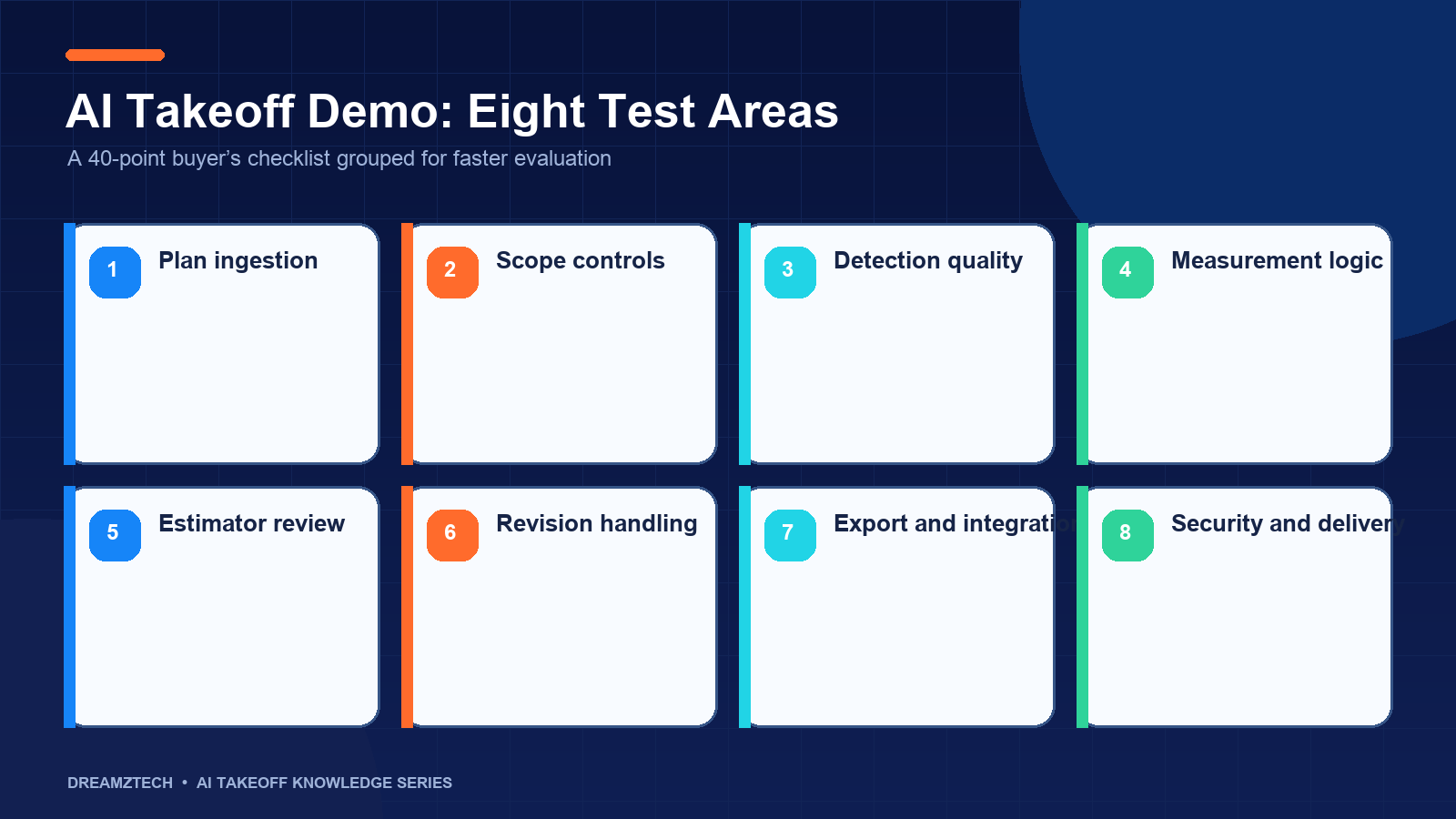
The 40-point buyer’s checklist
A. Drawing intake and file support
1. Does the workflow accept the files you actually receive?
Ask the vendor to open your vector PDFs, scanned sheets and any other common formats. “PDF supported” is not enough because PDF quality varies substantially.
2. Can it handle large multi-sheet plan sets?
Observe upload, indexing and navigation on a normal project package rather than one isolated sheet.
3. Does it classify sheets by discipline and type?
The workflow should distinguish plans, legends, schedules, risers, details and demolition sheets where those distinctions affect takeoff.
4. Does it identify sheet number and revision?
Quantities need a document-control context. Confirm how missing or unreadable metadata is handled.
5. Can it keep superseded sheets separate?
Ask the demonstrator to show what happens when two issues of the same sheet are present.
B. Drawing-quality controls
6. Does the system distinguish vector and scanned drawings?
The evaluation should report quality conditions that affect detection and measurement.
7. What preprocessing is applied to scans?
Ask about rotation, de-skewing, resolution checks, contrast and OCR. More importantly, ask how the system reports a sheet that remains unsuitable.
8. Can reviewers see the original drawing clearly?
Review quality depends on zooming, panning, overlays and legibility. A difficult interface can erase automation gains.
9. Does it warn about unreadable legends or dimensions?
Uncertainty should become visible work, not a hidden assumption.
C. Quantity coverage
10. Which trades are demonstrably supported?
Do not infer plumbing performance from an electrical demo. Test every discipline that influences the decision.
11. Which item classes are supported within each trade?
Request a class-level list. “Electrical symbols” is too broad to evaluate.
12. Can classes be mapped to your terminology?
Confirm whether the product can use your descriptions, cost codes or assembly names without losing the original detection class.
13. Does it produce counts, lengths and areas?
Test each measurement type you need. They use different controls and error metrics.
14. Are derived quantities separated from directly measured quantities?
Fittings, hangers, insulation, waste and allowances may be rule-based. The output should show the derivation rather than present everything as directly drawn.
D. Legend and schedule interpretation
15. Is the project legend mapped before counting?
Ask how new or ambiguous symbols are handled. Unmapped symbols should be review questions.
16. Can detections be reconciled with schedules?
Test fixture, equipment, panel or air-device schedules that are relevant to your trade.
17. Can the workflow incorporate risers and diagrams?
Plumbing and mechanical scope often exists outside the plan view.
18. Does it preserve the relationship between an item and its evidence?
An estimator should be able to move from quantity to drawing location and supporting schedule.
E. Scale and measurement
19. How is scale established?
Ask the demonstrator to calibrate using a known dimension instead of relying only on the title block.
20. Can different sheets or details use different scales?
Mixed-scale sets are common. Confirm whether calibration is sheet-specific or region-specific where required.
21. Are measurement paths visible and editable?
Estimators should see how a length or area was produced.
22. Does it distinguish plan length from installed quantity?
The system should not silently add drops, risers, waste or fittings.
F. Detection and accuracy evidence
23. Can every detected item be located on the sheet?
Totals without positions are difficult to review.
24. How are false positives handled?
Reviewers need a fast reject or reclassify workflow.
25. How does the team look for missed items?
Ask for class-level reconciliation against a known manual sheet. Misses do not appear automatically in the candidate list.
26. Are precision, recall and correction effort reported separately?
A single accuracy percentage should not replace error details.
27. Is the evaluation performed on held-out or unfamiliar drawings?
A model demonstrated only on its training or configuration set does not establish broader performance.
G. Estimator review and approval
28. Can estimators accept, edit, reject and add items?
Test each action during the demo.
29. Are low-confidence items prioritized?
Confidence-based queues can focus attention, but high-confidence results still need spot checks.
30. Are corrections logged?
The record should retain the original result, correction, reviewer and timestamp.
31. Can approval happen by class, sheet or project?
The control should match how responsibility is assigned in your organization.
32. Does a revision require re-approval?
Approved quantities should not remain approved after their source sheet changes without a visible workflow.
H. Revisions and addenda
33. Can the system compare drawing issues?
Test an actual addendum if revisions are a recurring source of rework.
34. Does it separate demolition, existing and new work?
Renovation takeoffs require explicit phase control.
35. Can it identify which quantities changed?
Revision value comes from focusing review on affected scope, not simply storing another file version.
I. Output and integration
36. What fields appear in the export?
Inspect class, quantity, unit, sheet, revision, reviewer and notes. Ensure the output can be audited.
37. Can outputs map to assemblies or cost codes?
Confirm whether this is configuration, an external step or custom development.
38. Which named integrations are operational today?
Ask for a working demonstration or documented interface. Do not treat a logo list as integration evidence.
J. Security, operation and commercial fit
39. How are drawings stored, accessed, retained and deleted?
Review hosting, encryption, tenant separation, permissions, audit logs and training-data restrictions.
40. What happens after the pilot?
Clarify licensing, onboarding, support, usage limits, model updates, product roadmap and exit options.
A practical demo scorecard
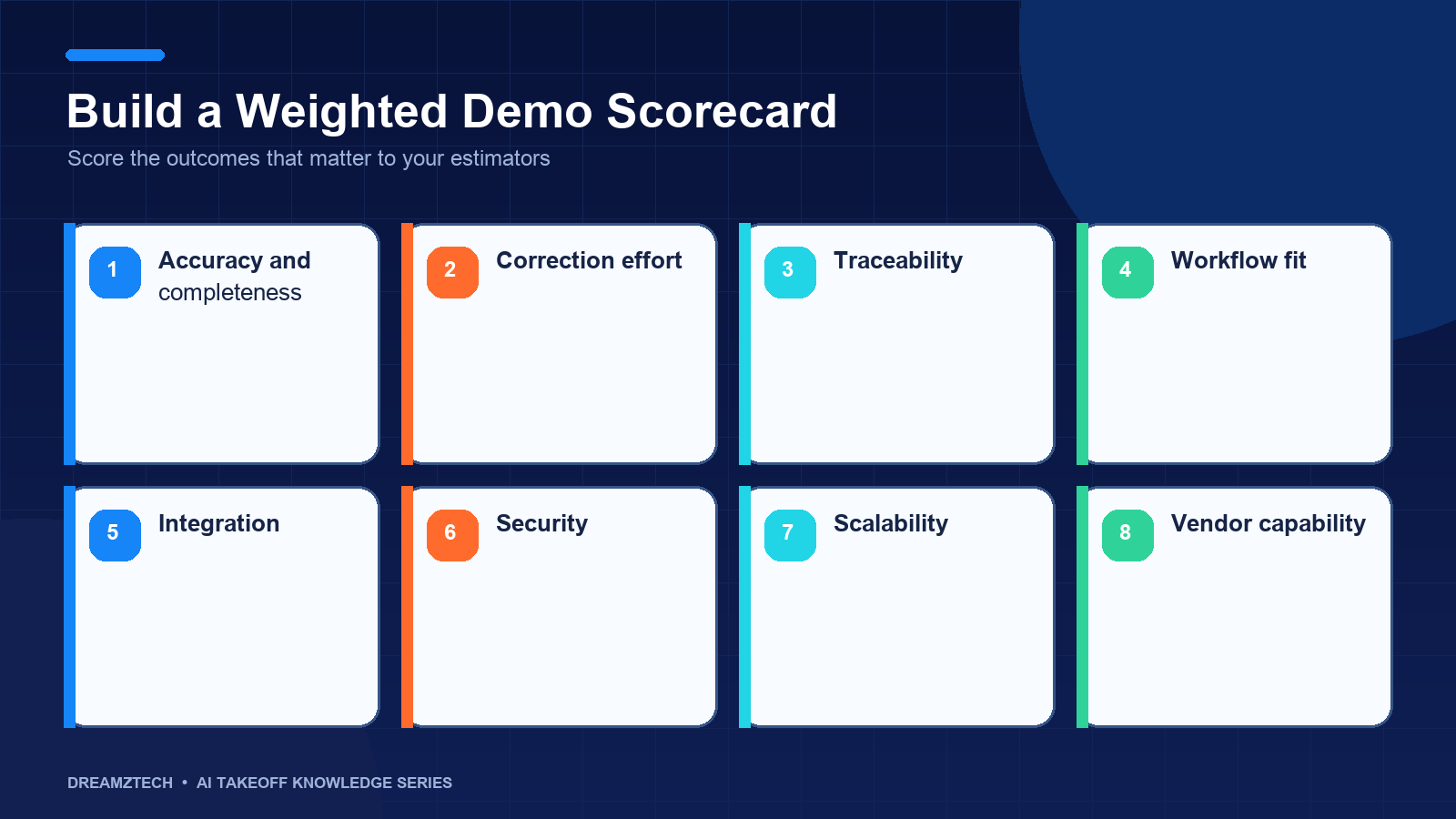
Use a weighted scorecard instead of giving every feature equal importance.
| Evaluation area | Suggested weight | Evidence required |
|---|---|---|
| Required quantity coverage | 20% | Results on your classes |
| Estimator review workflow | 20% | Live correction and approval |
| Accuracy and traceability | 20% | Item locations and error log |
| Drawing and revision handling | 15% | Real multi-sheet test |
| Output and integration fit | 10% | Export or working interface |
| Security and governance | 10% | Documentation and controls |
| Commercial and support fit | 5% | Written terms and ownership |
Adjust the weights to your business. A specialty contractor may put more weight on one trade’s measurement rules. A software company may place more weight on APIs and ownership.
Score each requirement as:
- Supported and demonstrated
- Supported with configuration
- Requires custom development
- Requires an external manual process
- Not supported
- Not yet verified
“Not yet verified” is a valid status. It is safer than converting an assumption into a commitment.
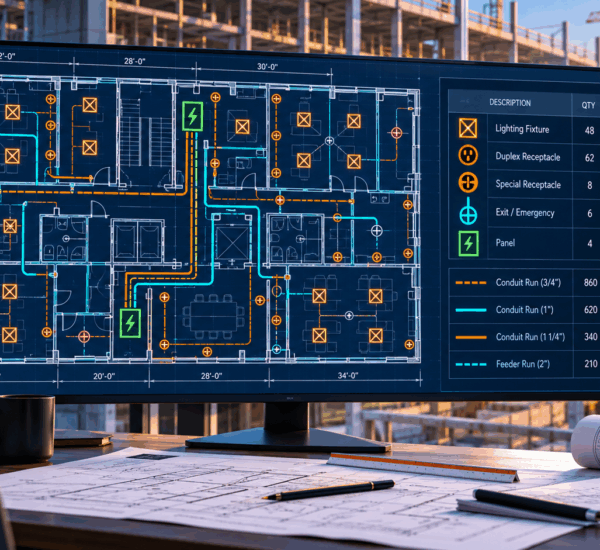
Questions for an electrical takeoff demo
Ask the vendor to demonstrate:
- Device and fixture classes from your legend
- Panel and fixture schedule reconciliation
- Similar-looking low-voltage symbols
- Scale-calibrated conduit or tray paths
- Typical-floor and common-area separation
- Revision handling across power and lighting sheets
The electrical estimator should verify scope classes individually. A correct overall device total can still contain important misclassifications.
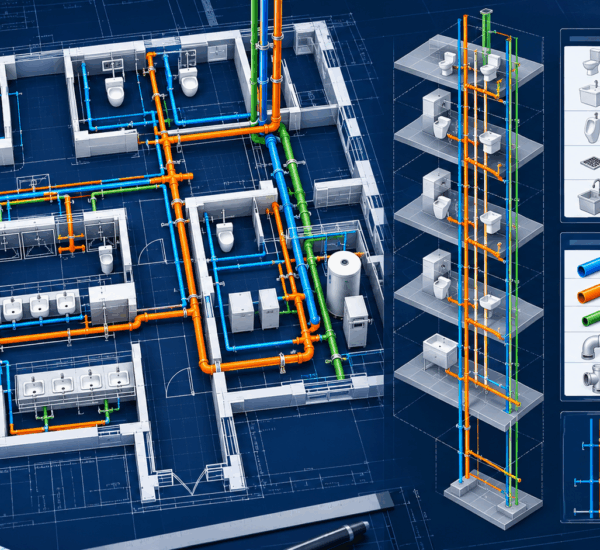
Questions for a plumbing takeoff demo
Ask the vendor to demonstrate:
- Fixture and equipment counts
- Fixture-schedule reconciliation
- Domestic-water, sanitary and vent classifications
- Pipe size changes
- Riser and vertical-scope review
- Enlarged-plan duplication controls
- Fittings and allowances as measured versus derived quantities
Plumbing evaluation should never rely on the floor plan alone.
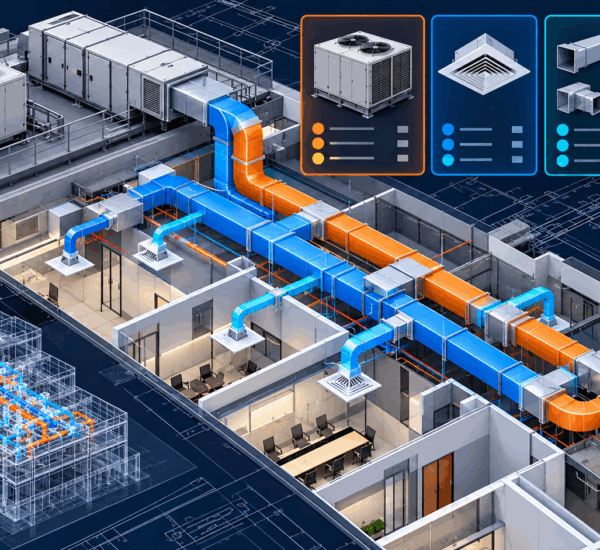
Questions for an HVAC takeoff demo
Ask the vendor to demonstrate:
- Equipment and air-device recognition
- Schedule reconciliation
- Duct length by size, shape and system
- Transitions and fitting rules
- Surface-area derivation where required
- Renovation phase separation
- Addenda affecting equipment or routing
Confirm whether the output represents plan-route quantities, fabricated quantities or estimator-adjusted quantities.
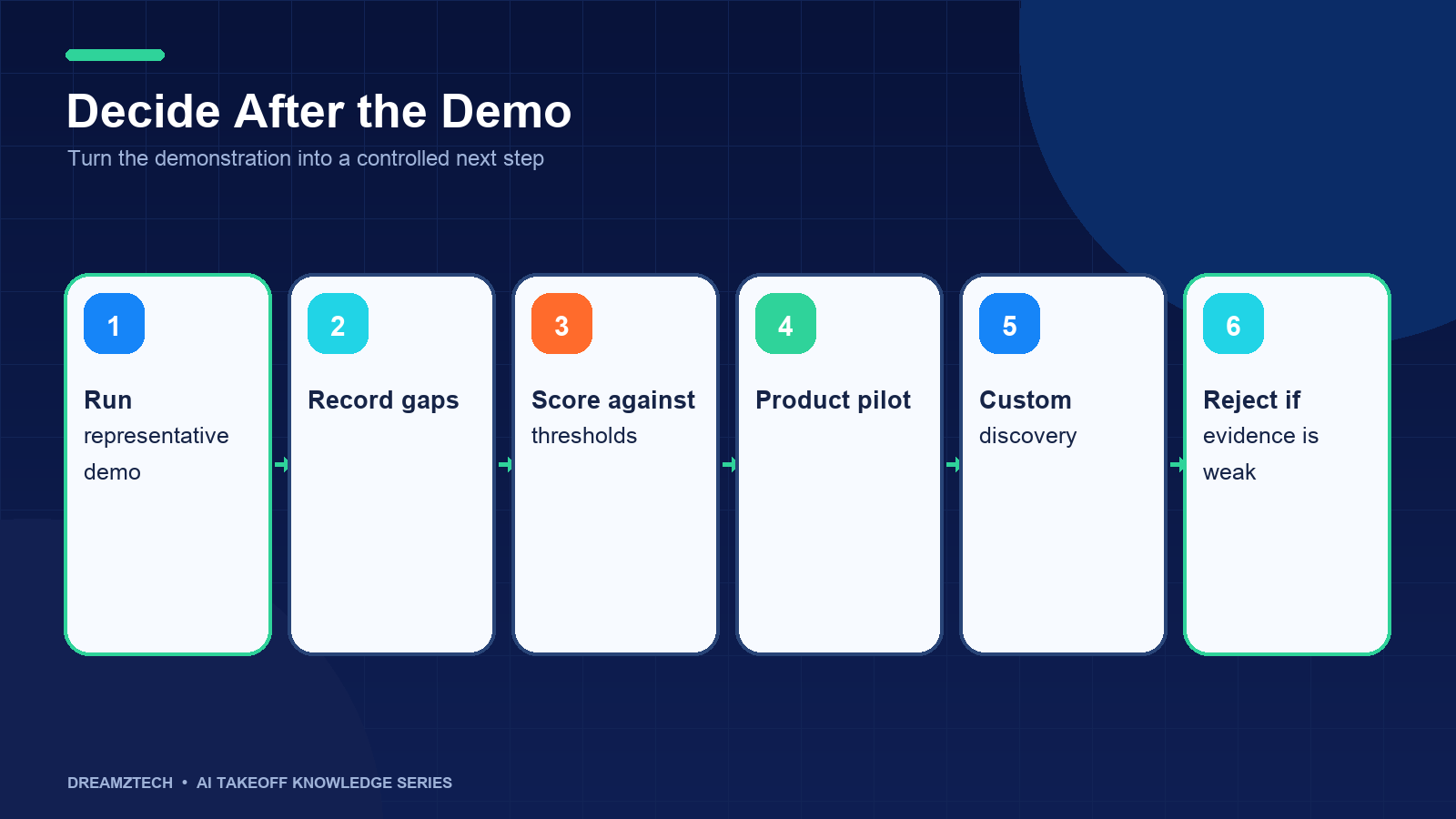
Product, custom development or neither?
A structured demo should allow one of four decisions.
Adopt the product
Choose this when the important quantities, review controls and outputs are supported and the correction effort is acceptable.
Run a limited pilot
Use a pilot when the fit is promising but more projects or drawing conventions must be tested.
Define a custom build
Move to custom discovery when recurring proprietary symbols, workflow logic, integration or deployment requirements cannot be met through product configuration.
Reject the fit
Reject the workflow when drawing quality, quantity coverage, review effort or commercial terms do not support the business case. A credible vendor should be willing to reach this conclusion.
Red flags during a demo
Be cautious if the demonstration:
- Refuses to use your drawings
- Avoids scanned or revised sheets that represent normal work
- Shows totals without locations
- Uses one accuracy percentage for every class
- Excludes estimator correction time
- Cannot explain scale validation
- Treats takeoff and estimating as the same output
- Lists integrations without showing how data moves
- Avoids security and retention questions
- Promises custom features without discovery
What a successful pilot should deliver
A successful pilot should end with more than access to software. It should produce a documented operating boundary for the next decision.
Require the pilot deliverables to include:
- Tested drawing types and revisions
- Supported and unsupported quantity classes
- Initial and corrected quantities
- False-positive and missed-item findings
- Scale and measurement observations
- Estimator review time
- Export sample
- Security and data-handling confirmation
- Product configuration still required
- Custom requirements still unresolved
The recommendation should name where the tool can be used without additional approval and where it remains conditional. For example, a team might approve common electrical device counts on vector PDFs while requiring manual methods for scanned fire-alarm plans.
Also define the next measurement period. Early users should record correction categories and time to approval across several projects. This evidence verifies whether the controlled demo represents daily work and whether estimator adoption is improving.
Do not expand access across every trade immediately. A phased rollout makes problems easier to isolate and gives the organization time to establish ownership, training and support.
How to prepare an internal recommendation
After the demo, produce a short decision record with:
- Business problem
- Tested project and revision
- Quantity classes evaluated
- Accuracy and correction results
- Estimator time comparison
- Unsupported or conditional scope
- Integration findings
- Security findings
- Commercial assumptions
- Recommendation and next decision gate
Include screenshots or exported evidence where permitted. Separate demonstrated functionality from roadmap statements.
Build a reusable demo evidence pack
If several vendors or workflows will be evaluated, prepare one controlled evidence pack. This prevents the test from changing according to each presentation.
The pack should contain:
- The same representative plan set for every participant
- A clearly identified drawing revision
- A redacted legend, schedule and riser where applicable
- Estimator-reviewed reference quantities
- Written class definitions
- Measurement and allowance rules
- Required export fields
- A scoring worksheet
- Security and deployment questions
- A list of claims that require written confirmation
Provide the class definitions before the session. For example, state whether a combination electrical device counts as one assembly or several components, whether plumbing fittings are counted or derived and whether HVAC duct quantities represent plan route or fabricated material.
During the demo, capture evidence consistently. Record the initial result before corrections, screenshots of item locations, the correction log, active estimator time and the final export. Mark any feature shown on a vendor-controlled sample separately from features demonstrated on your drawings.
After the session, hold a short estimator debrief before vendor follow-up. Ask which steps were faster, which created uncertainty, where misses were difficult to find and whether the final output fit the pricing workflow. Estimator experience should be recorded alongside technical metrics.
Questions to send before the demonstration
Sending questions early gives the vendor time to involve the correct technical participants. Ask:
- Which requested classes can be demonstrated today?
- Which file and revision conditions are unsupported?
- What data leaves the browser or customer environment?
- How are corrections and approvals retained?
- Which exports and integrations are operational?
- Which requirements would need custom development?
- What customer preparation is required for a pilot?
Written answers create a more efficient meeting and reduce confusion between product functionality, professional services and future roadmap ideas.
Frequently asked questions
Post-demo comparison meeting
Hold the comparison meeting after participants have reviewed the evidence pack, not immediately at the end of the presentation. Use the meeting to resolve differences between technical, estimating and commercial assessments.
Suggested agenda:
- Confirm the business problem and mandatory requirements.
- Review supported quantity classes.
- Review misses, false detections and correction effort.
- Confirm drawing and revision limitations.
- Inspect the final export and integration path.
- Review security and data-handling responses.
- Separate current functionality from roadmap commitments.
- Identify product configuration and custom work.
- Agree on the recommendation and next gate.
Record minority concerns. An estimator may identify a review burden that a summary score does not capture, while a security reviewer may identify a deployment condition that can be resolved contractually. The decision record should explain how each issue was handled.
If another pilot is required, define what new evidence it must produce. Repeating the same demonstration on another clean project does not resolve a question about scans, revisions or a missing integration.
The output should be a decision, not an indefinitely open evaluation. Approve a bounded rollout, request a targeted follow-up, define a custom-discovery scope or close the opportunity.
How long should an AI takeoff demo take?
Allow enough time to load your drawings, map scope, review results and inspect output. A short interface tour is not a workflow evaluation.
Should procurement attend the first demo?
The first session should include an estimator or preconstruction lead and someone who understands data or integration requirements. Procurement can join after technical fit is established.
Do we need a completed manual takeoff?
It is strongly recommended. A known reference allows class-level comparison and prevents subjective conclusions.
Should we test more than one vendor?
Use the same drawings, definitions and scorecard so comparisons remain fair. Do not assume feature names represent identical capabilities.
What if no product fits?
Document the recurring gaps. Those gaps can form a custom-development feasibility brief, but they should first be prioritized by business value.
What is the most important demo metric?
Time to an estimator-approved, traceable quantity set is usually more useful than initial processing speed or one accuracy score.
Run a decision-focused demonstration
The purpose of a demo is not to confirm that AI can draw boxes around symbols. It is to establish whether the workflow can turn your construction documents into quantities your estimators can efficiently verify and use.
Bring a representative project, a known takeoff and the checklist above. DreamzTech will evaluate the plan set, demonstrate the applicable workflow and provide a direct fit assessment. Request an AI takeoff software demo to test the product on your drawings.